Claude Code
Coarse lifecycle status plus exact, synchronous permission decisions.
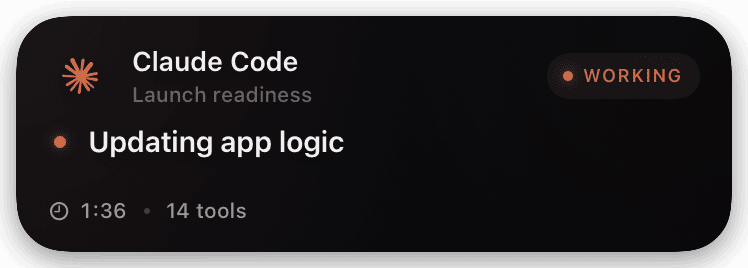
The default Chirp setup reports only coarse lifecycle state from SessionStart, UserPromptSubmit, Notification, Stop, and SessionEnd. It removes Chirp-owned PreToolUse/PostToolUse hooks, so it does not promise tool-by-tool telemetry, file paths, command arguments, or tool output.
Only the synchronous PermissionRequest command hook may return allow or deny. Chirp binds the one-time decision to the exact host, session, tool, and normalized request hash.
Prerequisites
- A reviewed CLI source/release build.
- A paired host and production-signed iPhone build.
Setup
- 1
Pair the host
Pair this interactive host with a verified
chirp loginbuild. Review the matching code, host, provider, capabilities, and expiry in the browser. - 2
Merge the hooks
chirp setup claudemerges Chirp entries into the current Claude settings without replacing unrelated hooks.shellnode /absolute/path/to/ChirpApp/cli/dist/index.js setup claude - 3
Verify both paths
Exercise one coarse lifecycle event and one real PermissionRequest allow/deny. The maximum Chirp wait is 60 minutes, but cancellation, process exit, disconnect, heartbeat loss, or a shorter Claude timeout may end it sooner.
What you’ll see
Status appears as an agent Live Activity. A permission request produces a separate bound approval state with Allow once and Deny; it is not a blanket or reusable approval. iOS requires device authentication/unlock before a Lock Screen action executes, with the exact prompt controlled by the system.
Troubleshooting
- A passive hook reports status but cannot approve.
- That is expected. Only the synchronous PermissionRequest hook can return a decision.
- The terminal exited without SessionEnd.
- The server's scheduled cleanup marks a still-active instance ended after its age exceeds eight hours. This is an age-based backstop, not immediate process-exit detection; verify the sweep is running in production.